Wipe Me Down Dance AI: Photo to Dance Video Generator
 Wipe Me Down AI Team
Wipe Me Down AI turns one photo or a typed scene into a short dance video with Seedance 2.0. What a render does, the real free path, and what one clip costs.
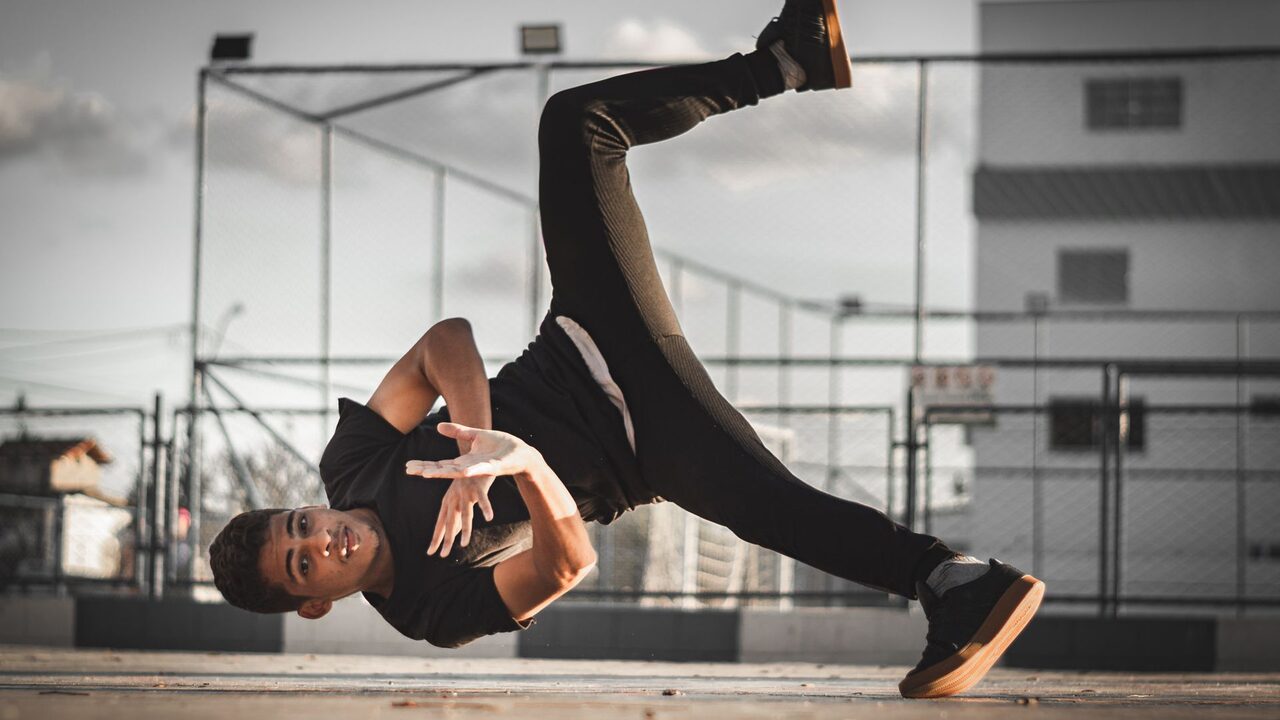
Wipe Me Down AI is a browser studio that takes one photo — a selfie, a friend, a pet, an avatar — and renders a short video of that subject dancing the Wipe Me Down step. If you have no usable picture, the same page renders from a typed description instead, and the model builds the whole scene from your words. There is no timeline to assemble, no keyframes to place and no reference clip to hunt down: the movement is generated, not transferred.
That last point is where first-time visitors usually go wrong, so this page stays blunt about it. Below: what the studio actually does, what one render costs, the free path that genuinely exists, what the tool refuses to do, and how to get a usable clip out of a single image.
If you came for the history of the trend rather than the tool, what the Wipe Me Down dance is covers the record and the step.
上传一张照片,照片中的主角会表演这套动作,并保留你照片里的脸、头发和身体。
这支短片:26 积分 · Pro 每月 7 支短片,$39.90,或全年 92 支,$319
What "Wipe Me Down dance AI" means in practice
Two separate things share the name, and keeping them apart explains most of the confusion.
The dance is a real-world trend. As of October 2026 people post clips of themselves performing a choreographed step to "Wipe Me Down", the 2007 record by Foxx with Lil Boosie and Webbie. Search demand follows the trend: people look for the original clip, a tutorial, and the name of the song behind it.
The AI version is young. When we checked the exact phrase "wipe me down dance ai" in October 2026, search autocomplete offered nothing for it, while the generic category — AI dance video generator — is thoroughly established. So the honest summary is this: the dance is popular, the AI take on it is early, and this studio exists to close that gap. What you get back is a new clip generated from your photo or your words, never a copy of somebody else's post.
The model behind every render
Every clip is generated by Seedance 2.0, ByteDance's video model, on its standard tier, served through the provider kie.ai. The studio calls the model id bytedance/seedance-2 in both input modes.
The model accepts a reference image, a text description, or both at once. That single fact is what makes a two-mode studio possible without shipping two products:
- Photo to video — your picture is the reference, and the prompt asks the subject in it to dance. Face, hair, body shape and clothing carry over, so the dancer is recognisably the person or animal you uploaded.
- Text to video — no picture at all. You describe who dances, where they stand, how the light falls and how the camera moves, and the model renders from that description alone.
A render is one continuous shot. The provider's range is 4 to 15 seconds, and the studio exposes 5, 8, 10 and 12 seconds at 480p, 720p or 1080p, in a 9:16, 16:9 or 1:1 frame. Nothing is stitched together afterwards, which is why one clear action — a single dance beat, one camera push — comes back cleaner than a sequence of set pieces.
The four looks
Rather than ask you to write a prompt from nothing, the studio ships four looks. Each one is a full text instruction you can read, copy and edit before you spend anything.
| Look | What the render does | Credits at 12s, 720p | | ------------------ | ------------------------------------------------------------------------------------------------------------------------------------------------------------------------- | -------------------- | | Classic bounce | A relaxed two-step: shoulders roll, weight shifts side to side, arms swing loose, and the hand pushes away from the body on every second bar. Medium shot, slow drift in. | 26 | | Hype | Fast footwork, big arm swings, hard landings on the beat, a sideways tracking camera and a slightly low angle. | 26 | | Smooth groove | A slow groove with fluid shoulder and arm waves, and a slow orbit from the side to the front in soft directional light. | 26 | | Cute | A miniature version of the same bounce: small hops in place, ears or sleeves bouncing, one paw or hand lifted on the beat, warm light at eye level. | 26 |
All four cost the same at the same settings, because a look steers the model rather than switching to a different one. How to edit them without breaking the parts that hold the identity together is covered in writing dance video prompts.
What one render costs
Pricing is per render, and the figure is on screen before you press Generate, not after.
| Spec | Credits | What it is for | | -------------- | ------- | ------------------------------------------------------------------ | | 480p · 12s | 12 | Rough drafts and quick checks of a new prompt | | 720p · 12s | 26 | The standard render. Every plan and pack is priced against it. | | 1080p · 12s | 64 | Finishing a clip you already know works |
Longer and shorter clips scale from that twelve-second table and round up to a whole credit, so a short 480p test costs a fraction of a full one.
The free path is narrow, and it is worth stating exactly rather than gesturing at:
- Email sign-up: 0 credits. Signing in with an email address grants nothing, and no allowance is ever attached to it.
- Google-linked accounts (not offered here yet): the intended rule is 10 credits a day, claimed by hand, one claim a day for up to three days — 30 credits in total — but Google sign-in is not available on this site yet, so no account can claim anything today.
- One free preview: a single 480p · 5s render is granted once to an account whose balance cannot cover the render it asked for, subject to a daily preview budget.
- Paid credits: four monthly plans, four yearly plans and five one-time packs — thirteen SKUs in all. Monthly starts at $9.90 for 20 credits, and the $9.90 Single pack holds 10 credits.
The cheapest way to see a render of your own is the $9.90 Single pack: 10 credits is exactly one 480p · 10s test render. A default Standard · 720p · 12s clip costs 26 credits, so the cheapest purchase that reaches that spec is $19.90 either way — the Basic monthly plan (60 credits) or the one-time Duo Pack (30 credits). Nothing here is free forever or uncapped. The full table lives on pricing.
If a render fails, its credits return to the balance they came from, in full. A clip that was never produced is not charged.
What the generator cannot do
Being precise here saves credits.
- It does not take a video as input. You cannot upload a clip and transfer its motion onto your photo. The input is a photo, a prompt, or both.
- It does not swap faces. There is no celebrity face-swap step and no way to put a specific public figure into a render.
- It does not copy the original choreography frame by frame. The model produces a new performance from your direction. The result is not the trend video and should never be presented as it.
- It does not guarantee a likeness. Identity retention is strong with a good photo and drifts with a poor one.
- It has nothing to unlock. The MP4 you download is the finished render at the resolution you chose, with nothing stamped over the picture.
Make your first clip
- Pick a mode. Photo to video if you have a picture, text to video if you only have an idea.
- Add the photo, ideally one subject, front-facing or three-quarter, whole body or waist-up, evenly lit, nothing covering the face. JPG, PNG or WebP up to 10 MB.
- Choose a look to fill the prompt, then edit it — add a place, a colour, a camera move.
- Set resolution, length and frame. 9:16 vertical is the default because that is what short-form feeds show.
- Read the credit badge. It recalculates every time you touch a setting.
- Press Generate and wait. Most standard renders finish in a couple of minutes; 1080p takes longer.
- Download the MP4 from the studio or from My videos, then post it.
The long version, with the mistakes to avoid at each step, is in how to make a Wipe Me Down dance video.
Frequently asked questions
Do I need to write a prompt to use this?
No. Pick one of the four looks and, in photo mode, the render starts from that text alone. Editing the prompt is how you get something specific.
Can I make a pet dance?
Yes, and it is one of the most popular uses. Dogs, cats and other animals work from a clear photo, and the Cute look is tuned for smaller subjects. See AI dance videos for pets.
Does a render take a long time?
Most standard renders come back in a couple of minutes; a 1080p clip is the slower one. The page polls the real job status, so you are watching the true state of the render rather than a decorative animation.
What happens to the photo I upload?
Your browser shrinks it and sends it to our API together with your prompt and settings, and our server passes the image to the model provider that runs the render. We keep no copy in storage we operate; the provider hosts it only for the short window the render needs. An input that fails moderation is refused before any credits are spent.
Is the result mine to post?
Yes, including commercially, with two conditions: only upload photos you have the right to use, and do not claim an AI render is a real recording or the original trend clip.
Where to go next
If you are still deciding whether this is the right tool, the free-credit question sets out exactly what is free here and what a render costs, while how this compares with other generators lists the criteria that decide whether a dance render is usable at all. When you are ready, the studio is one click away.